


Page 14 - ATEN Product Series Guide - ATEN Control System
P. 14
CONTROL


                  The ATEN Control System provides users with both wireless and physical control options respectively via the ATEN
                  Control System Mobile App and Control System Keypads whereby pre-programmed actions can provide a fully
                  automated series of advanced operations with the simple touch of a fi nger.


                  Control System App


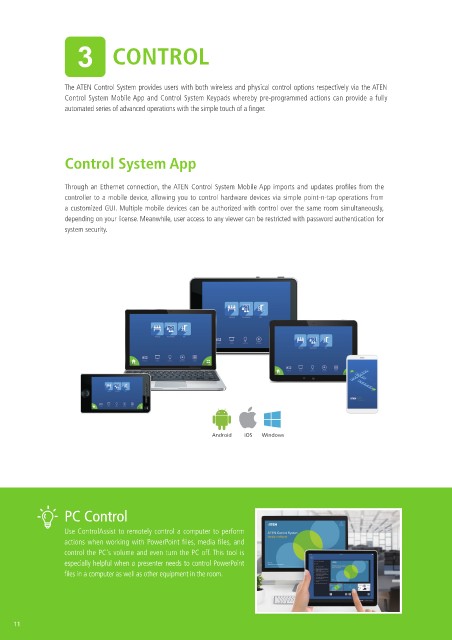
                  Through an Ethernet connection, the ATEN Control System Mobile App imports and updates profiles from the
                  controller to a mobile device, allowing you to control hardware devices via simple point-n-tap operations from
                  a customized GUI. Multiple mobile devices can be authorized with control over the same room simultaneously,
                  depending on your license. Meanwhile, user access to any viewer can be restricted with password authentication for
                  system security.


                                                         Android  iOS  Windows


                  PC Control


                  Use ControlAssist to remotely control a computer to perform
                  actions when working with PowerPoint files, media files, and
                  control the PC's volume and even turn the PC off. This tool is
                  especially helpful when a presenter needs to control PowerPoint
                  fi les in a computer as well as other equipment in the room.


     11

